
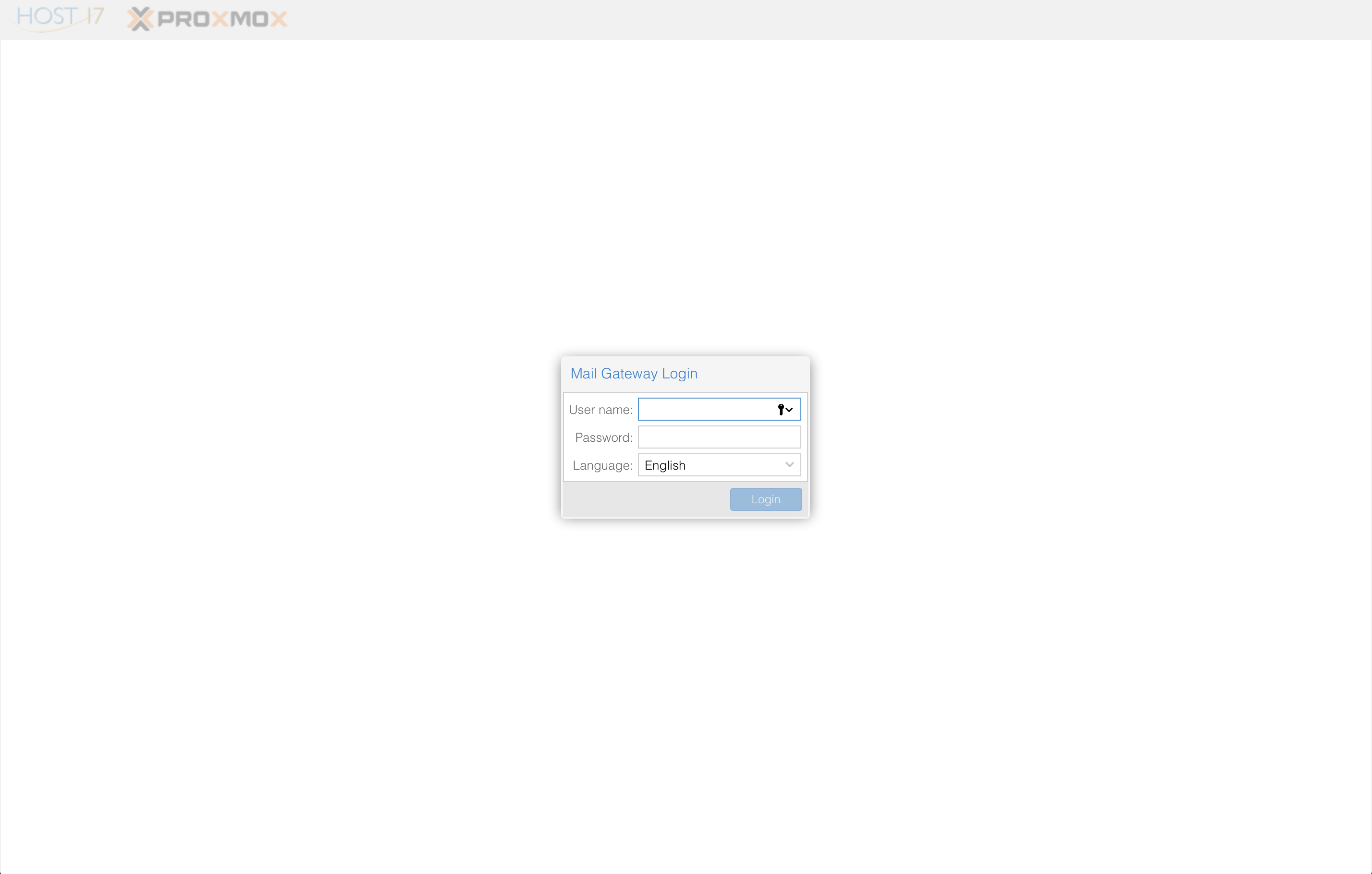
You may access the SOGo Host 17 spam quarantine at http://spam.host17.email. Login with your full email address and password to begin.
Once you login, you will see various options on the left side of the screen. Clicking on Spam Quarantine will show the suspected spam that was trapped by the filter. You can view any of these messages by clicking the checkbox by any of the messages and a preview will appear on the right. To release the message for delivery to your inbox simply click the Deliver button. If a message from a specific person is regularly caught by the filter, you might wish to also whitelist the sender by clicking on the Whitelist button.
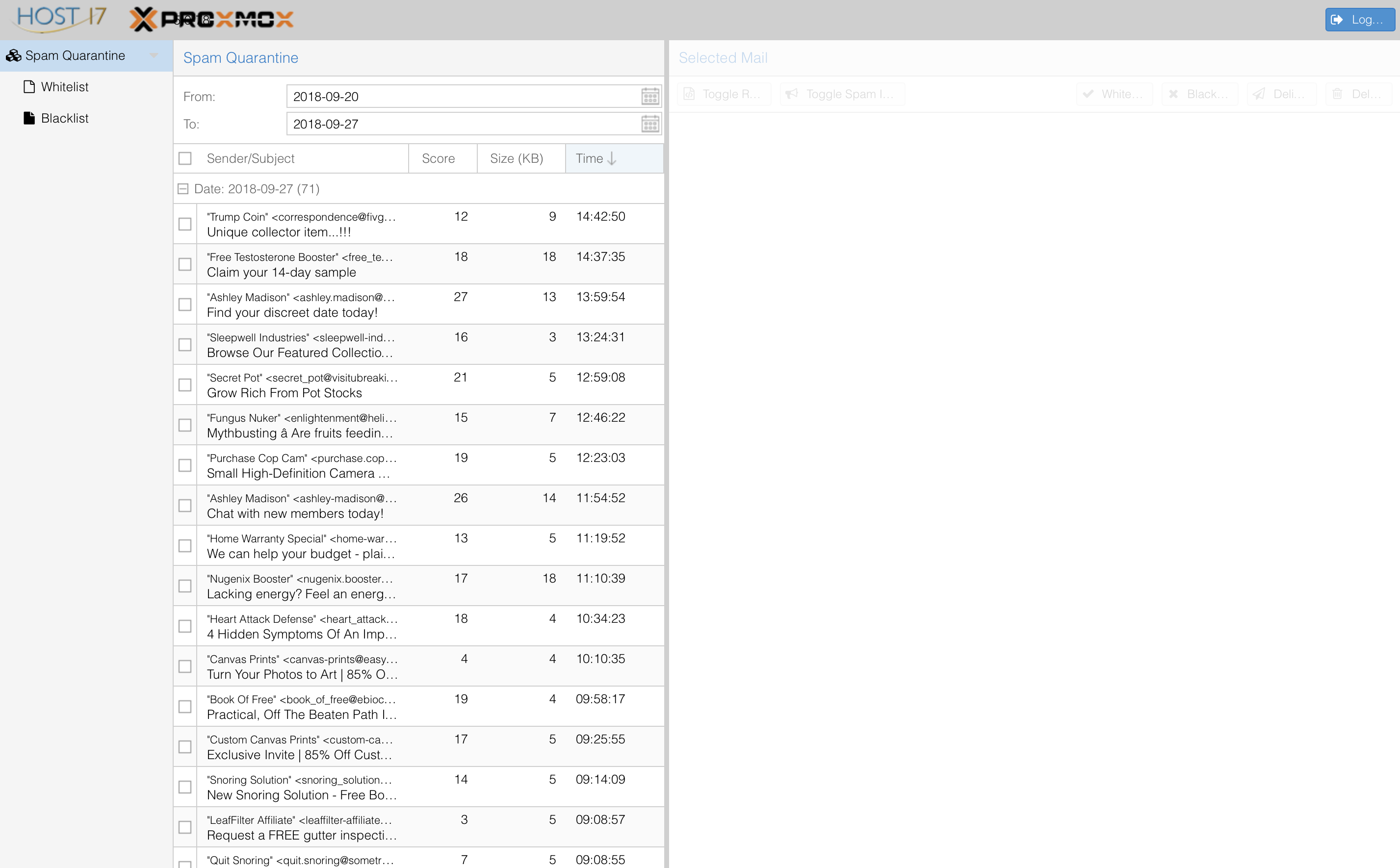
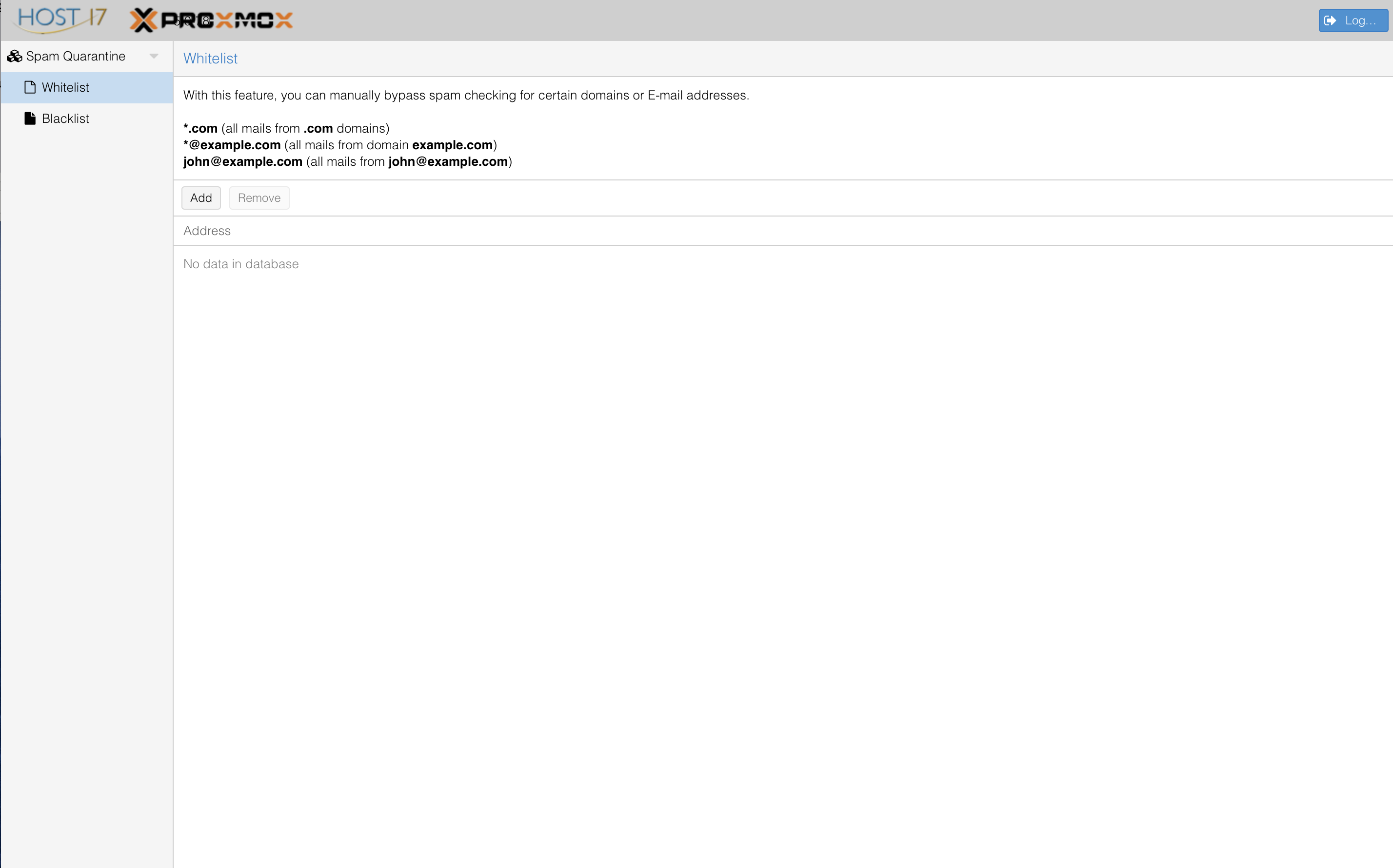
Note that you can view additional information about why the message was classified as spam by clicking the Toggle Spam Info button. If you wish to see the senders you've previously whitelisted, click the Whitelist option to the left.
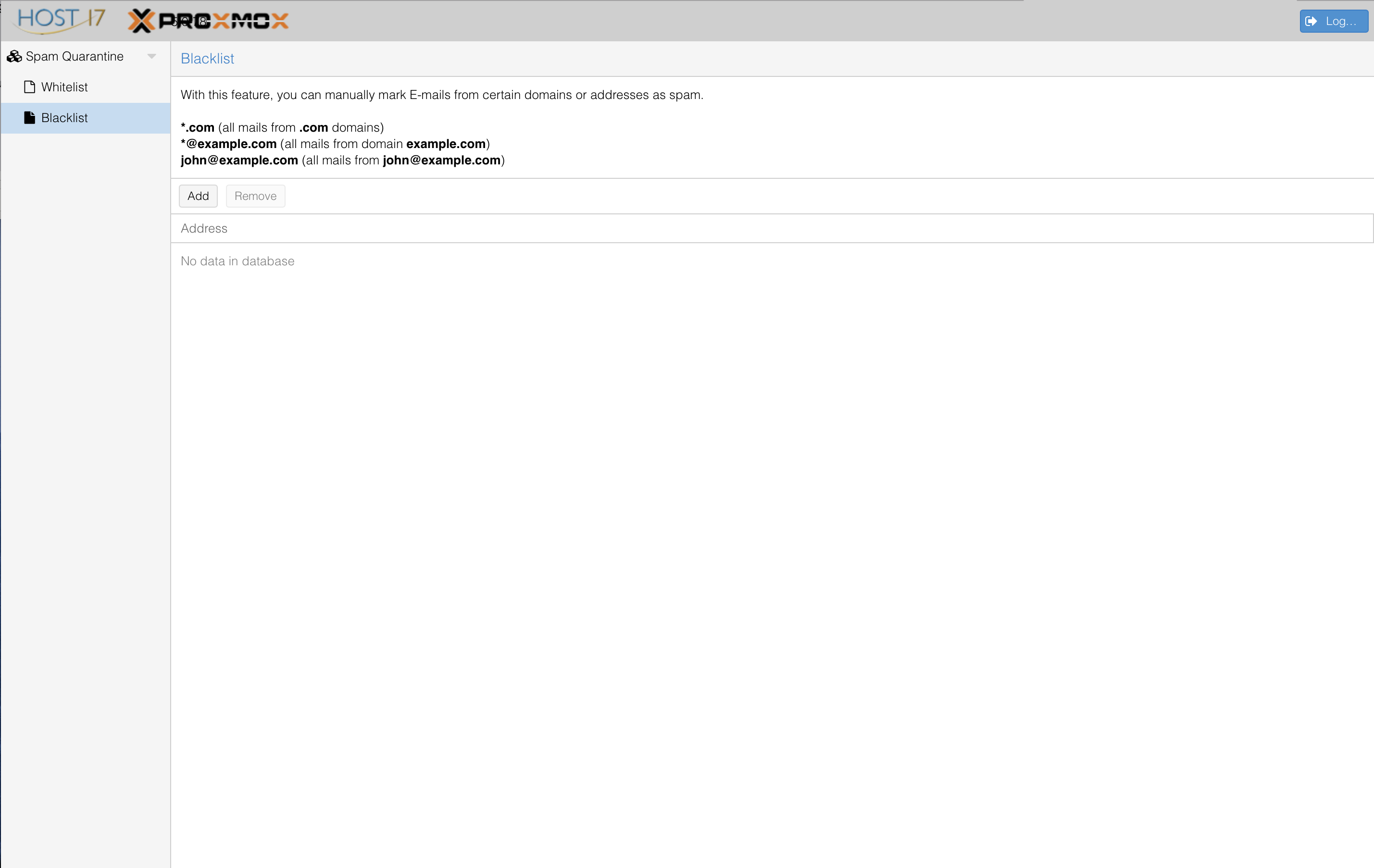
Similarly, if you've Blacklisted senders, you may click Blacklist on the left to view a complete list.
Clicking the blue Logout button will safely log you out of your spam filter quarantine when you have finished.
Comments
0 comments
Please sign in to leave a comment.