 |
|
|
 |
|
|
 |
|
|
 |
|
|
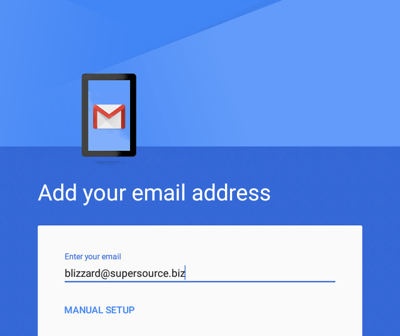 |
- Enter your full email address
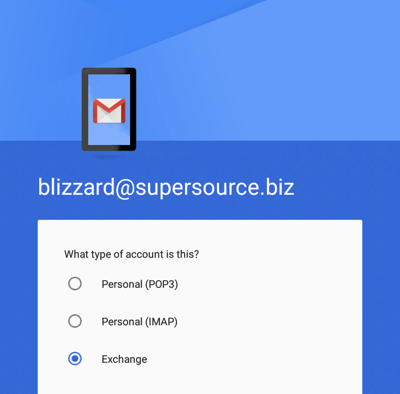
- Touch Manual Setup
|
 |
|
|
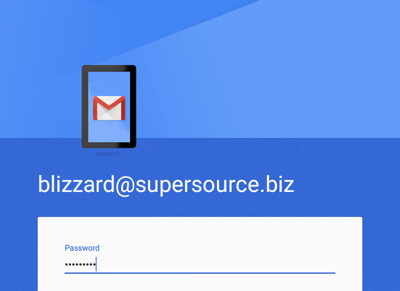 |
- Enter your password
- Touch Next
|
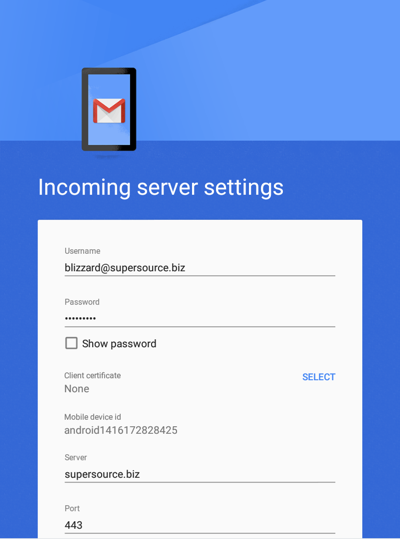 |
- Remove the default server deduced from your email address and type the one provided to you
- Touch Next
|
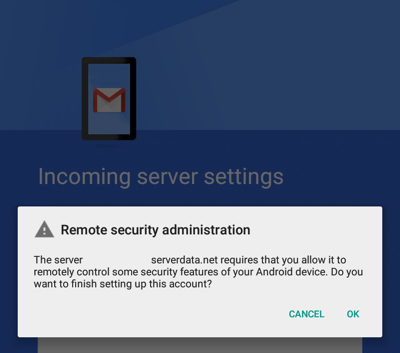 |
- Answer yes by touching OK to the Remote security administration request
|
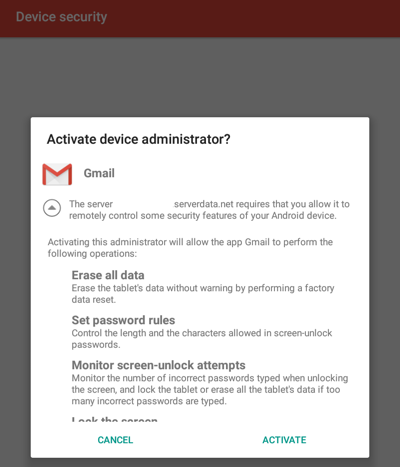 |
- If asked to activate the device administrator, you must touch Activate to complete the setup of your account
|
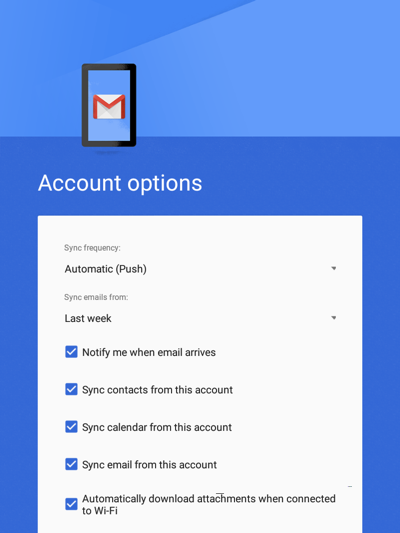 |
- Select the options as you wish including specifying the amount of mail you would like to sync to your device
- Touch Next
|
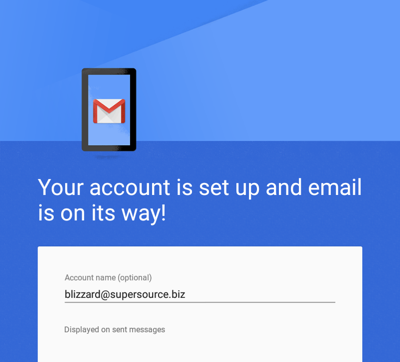 |
- Touch Next to exit account setup
|

Comments
0 comments
Please sign in to leave a comment.