 |
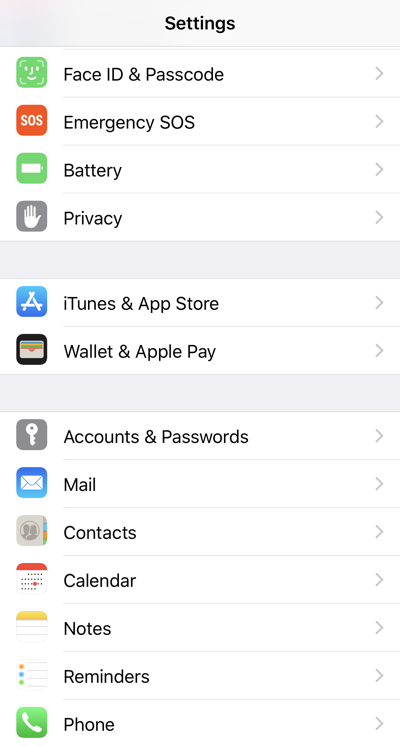
- Touch Settings
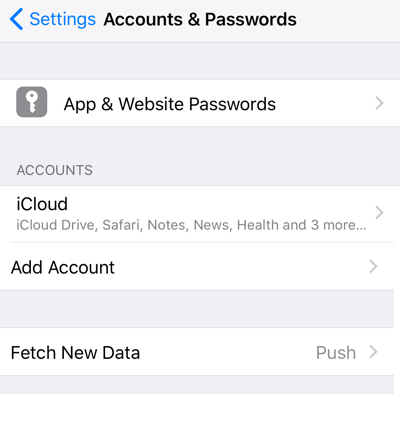
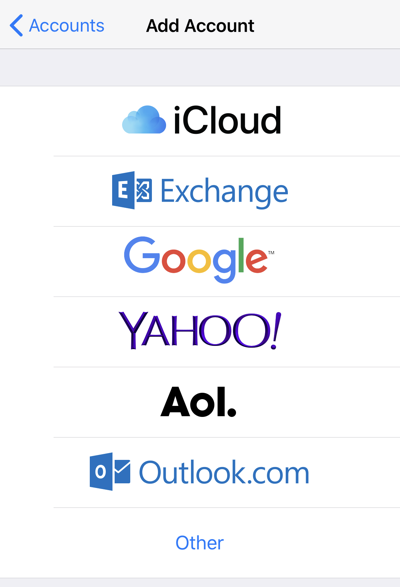
- Touch Accounts & Passwords
|
 |
|
|
 |
|
|
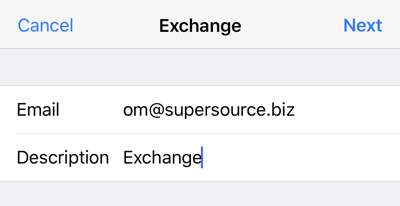 |
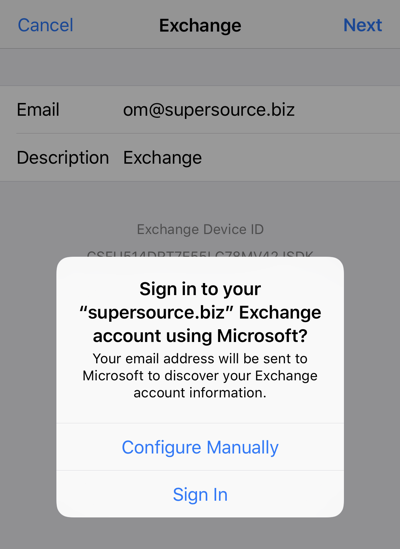
- Type your full email address
- Type anything you wish for Description. This is how your account will appear in your mail app
- Touch Next
|
 |
|
|
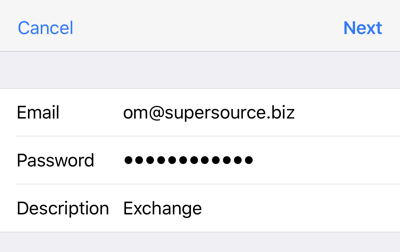 |
- Enter your password
- Touch Next
|
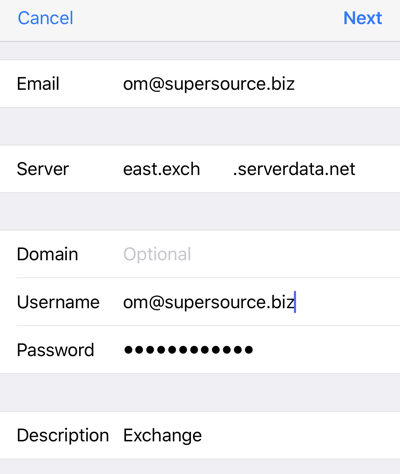 |
- If asked for more information, please enter your full email address for Username
- Enter the server name provided to you
- Touch Next
|
 |
- If successful, you'll see this
- Ensure that all resources that you wish to sync with your device are turned on
- Touch Save
|
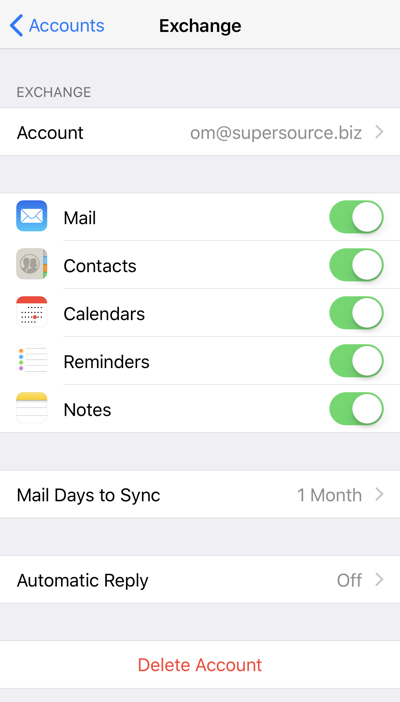 |
- Return to your account by touching it again from the Accounts & Passwords screen
- Here you may change the items synced with your device as well as determine the amount of mail you wish to keep on your device
|

Comments
0 comments
Please sign in to leave a comment.