 |
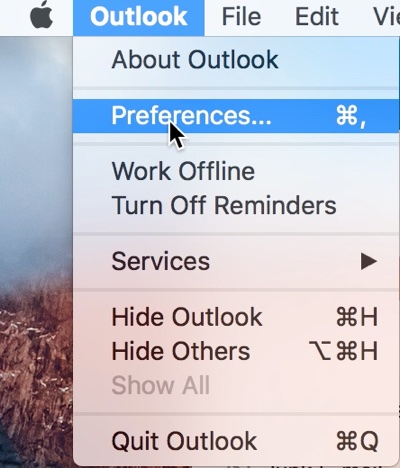
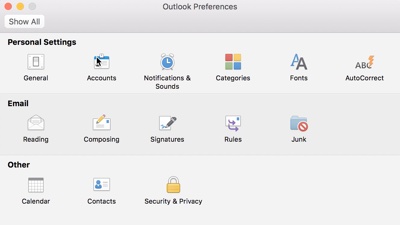
- From the Menubar, click Outlook and then Preferences
|
 |
|
|
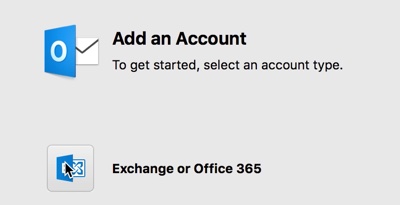 |
- Click + and New Account or Add Account
- Select account type Exchange
|
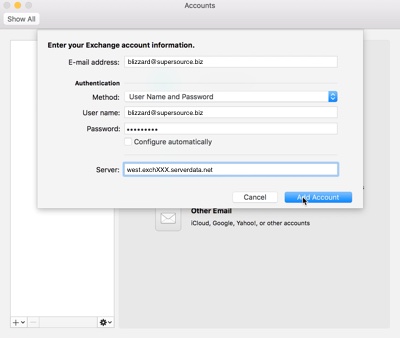 |
- Enter your full email address for E-mail address
- Click Add Account
- If you are asked, enter your full email address where you see User name and the server name your were provided
|
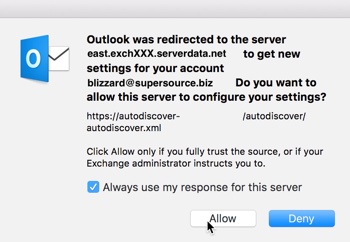 |
- If asked to approve the server for your configuration, please check the Always use my response for this server and then click Allow
|

Comments
0 comments
Please sign in to leave a comment.