
To begin managing your email, go to http://mail.{your domain}. For example, our domain is supersource.biz so we would browse to http://mail.supersource.biz.
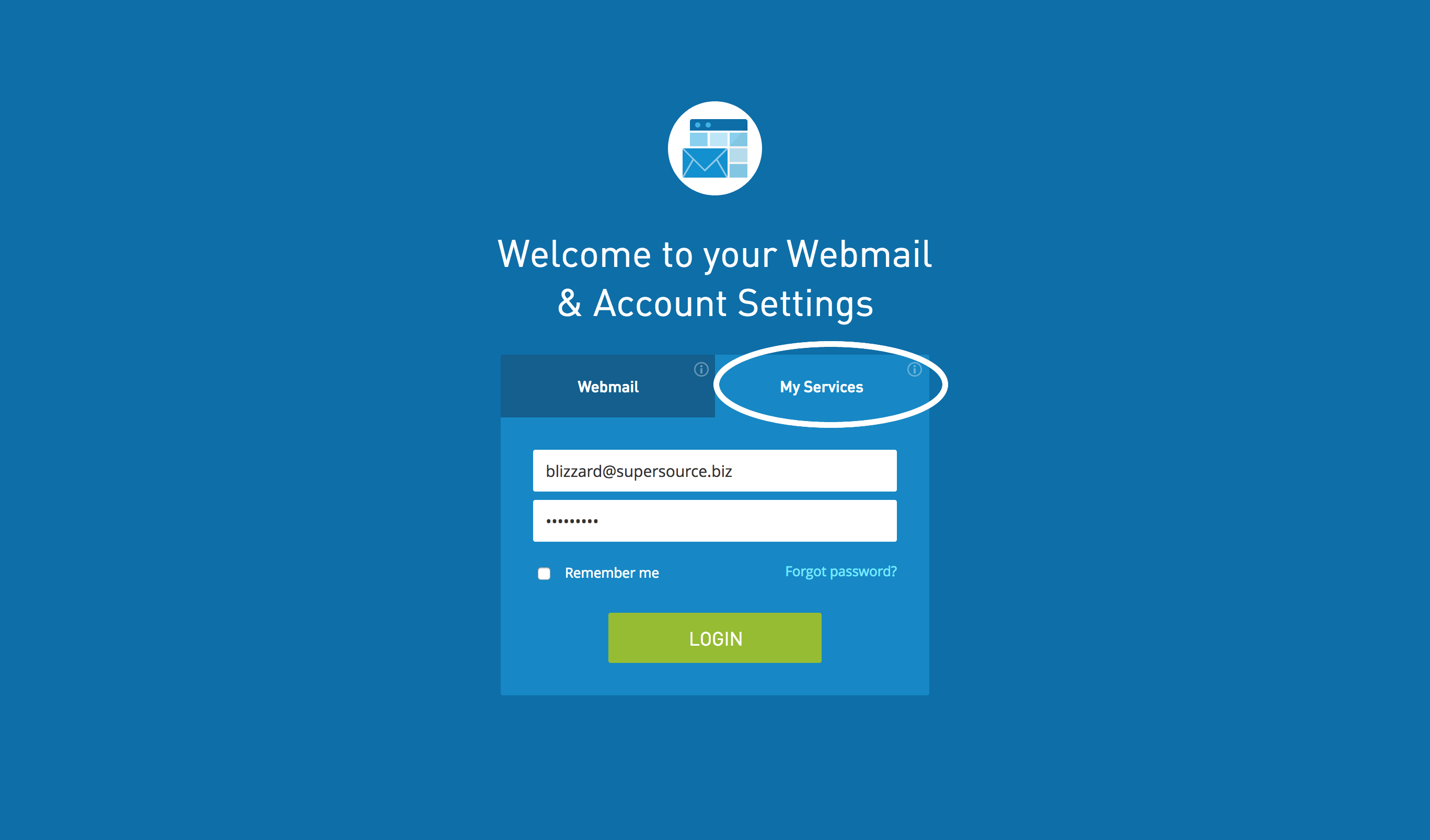
Click the My Services button and then login with your full email address and password.
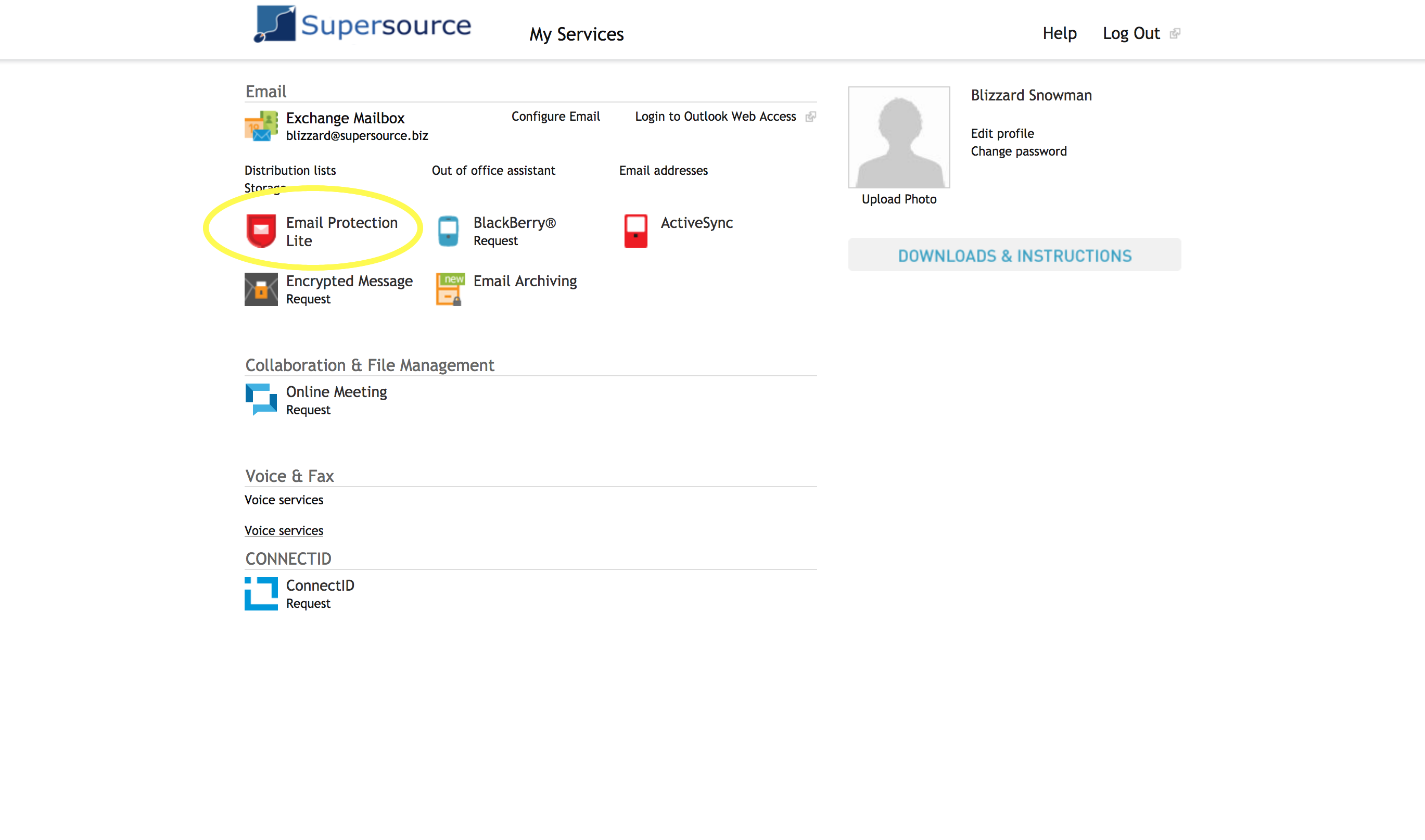
Click the Email Protection icon.
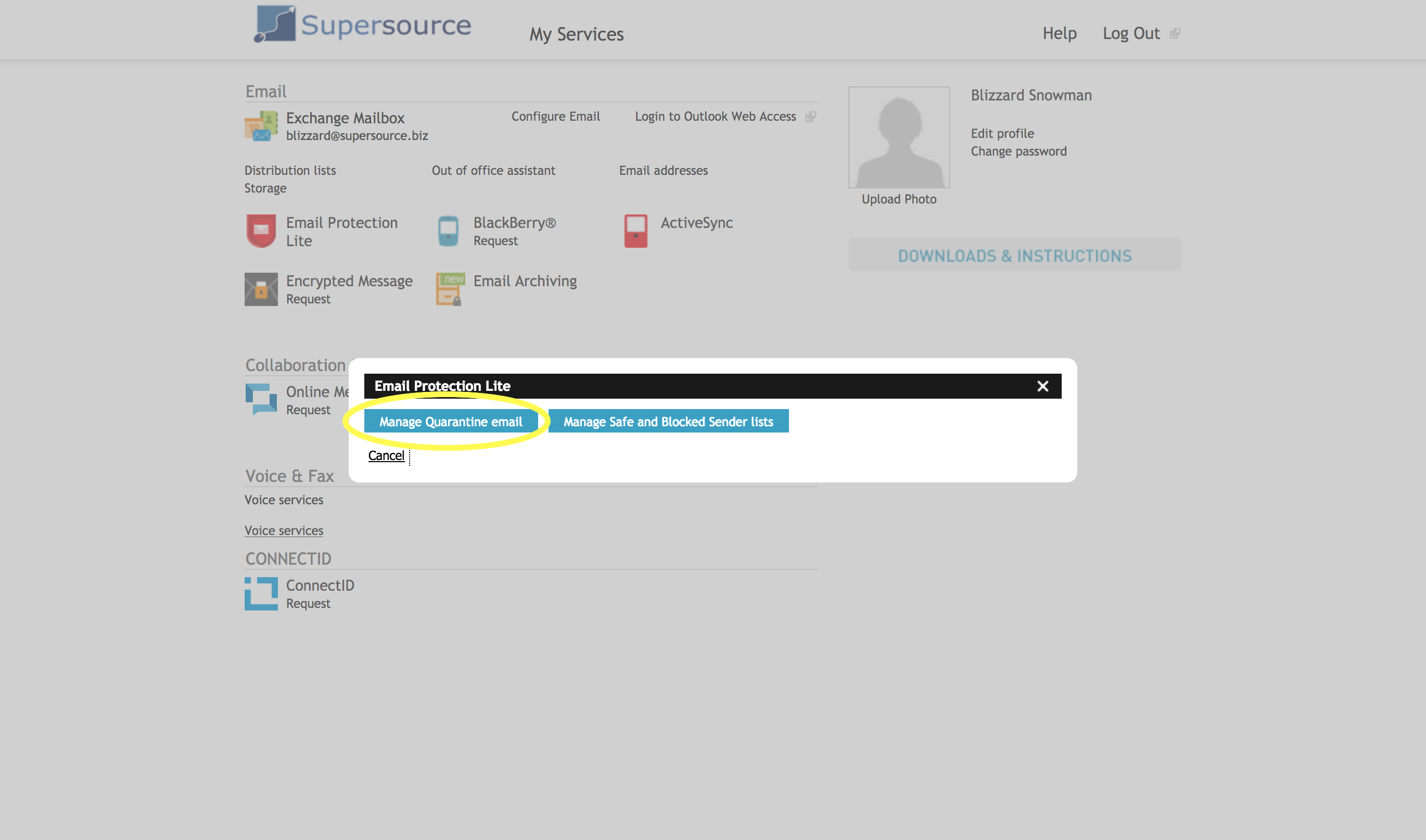
Click the Manage Quarantine email button on the window.
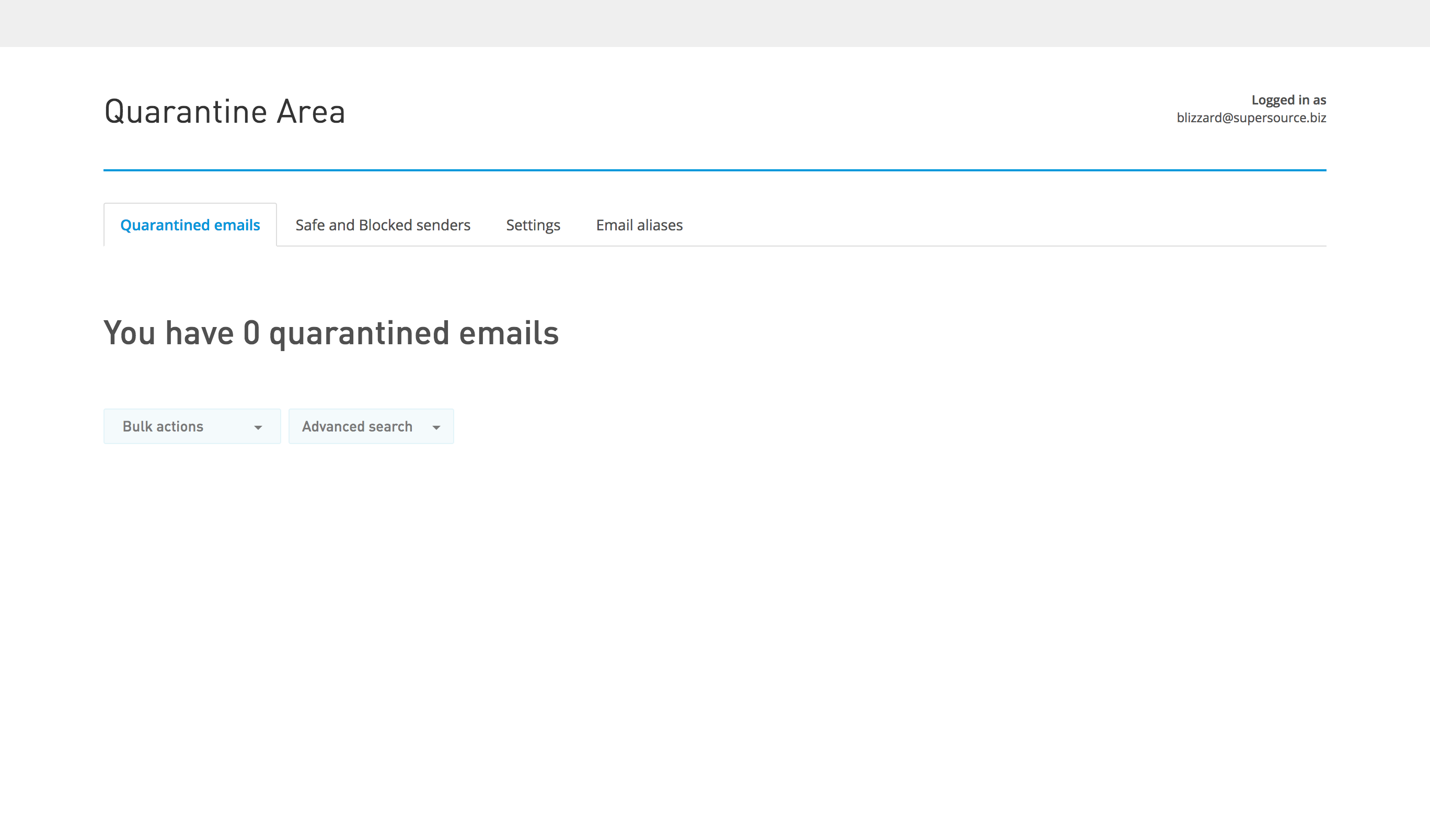
From this window you may view all of your quarantined email and take action on each email. You may also adjust your safe and blocked senders, change your timezone, request regular quarantine reports and view the current email aliases attached to your account. Simply click on the appropriate tab for each function and follow the accompanying instructions.
Comments
0 comments
Please sign in to leave a comment.