
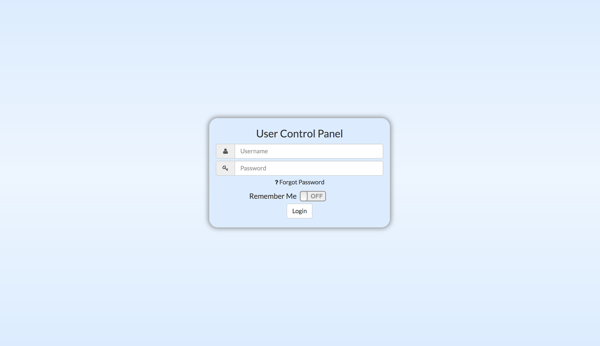
Hosted PBX users may login to their User Control Panel (UCP) by visiting https://pbx.domain.com/ucp in their web browser (Chrome and Firefox recommended) where domain.com is their own domain. Once there, you may login with the username and password provided when you initiated service. This is typically your universal Host 17 ID and password.
Upon logging into your control panel, click the telephone icon in the upper right corner of the panel and then select New Web Phone Call.

You will see a telephone keypad popup which is ready for you to use. Simply dial the number using the keypad and your mouse and click the Call button to begin your call.

When your call is finished, you can wait for the connection to complete or click the Hang Up button to terminate your call. While you are logged into your UCP, you may also control your presence by clicking on the green dot in the upper right corner of the panel and selecting the appropriate disposition.

When you are finished using your extension and wish to terminate your connection, click the gear icon in the upper right corner of the panel and select Logout.

Comments
0 comments
Please sign in to leave a comment.