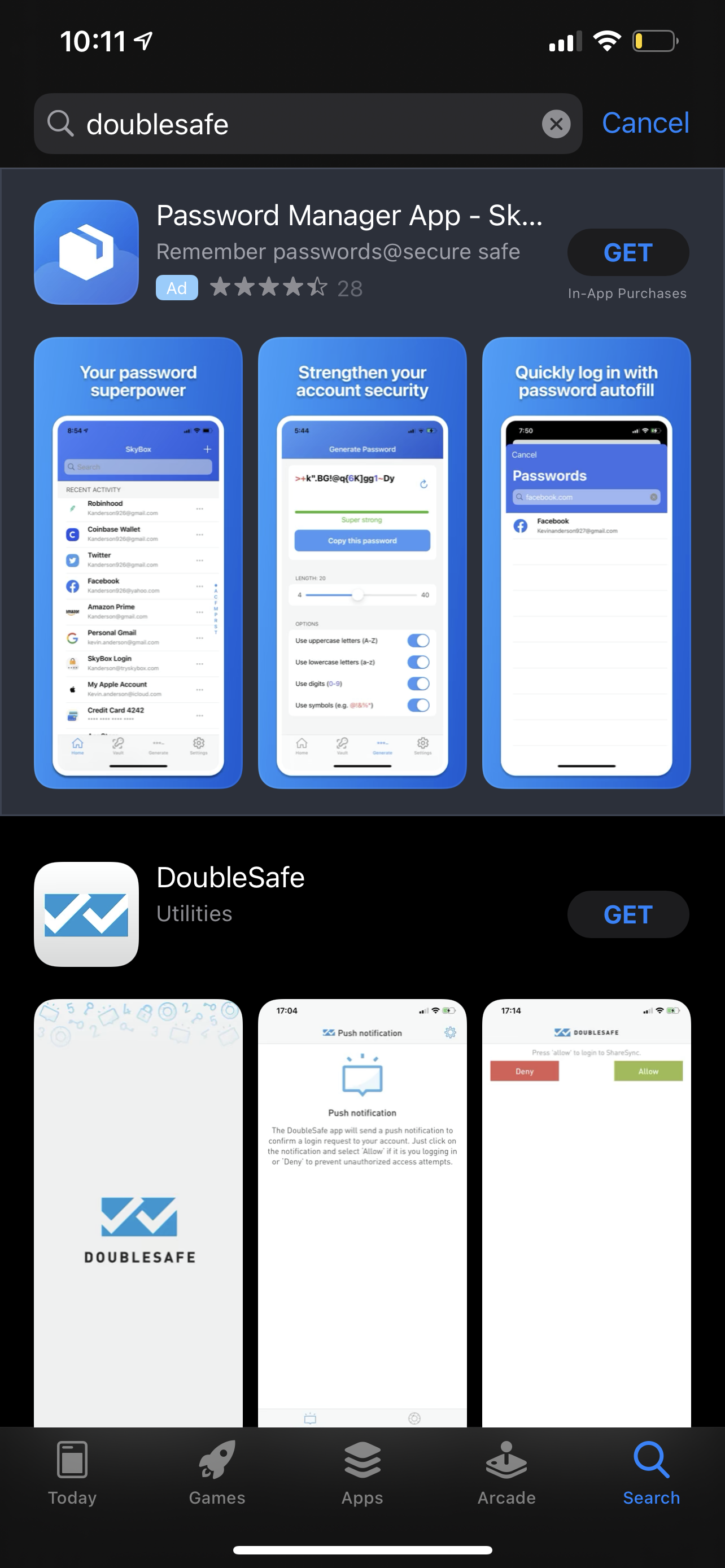
Open the App Store (Apple) or Google Play (Android) and search for DoubleSafe
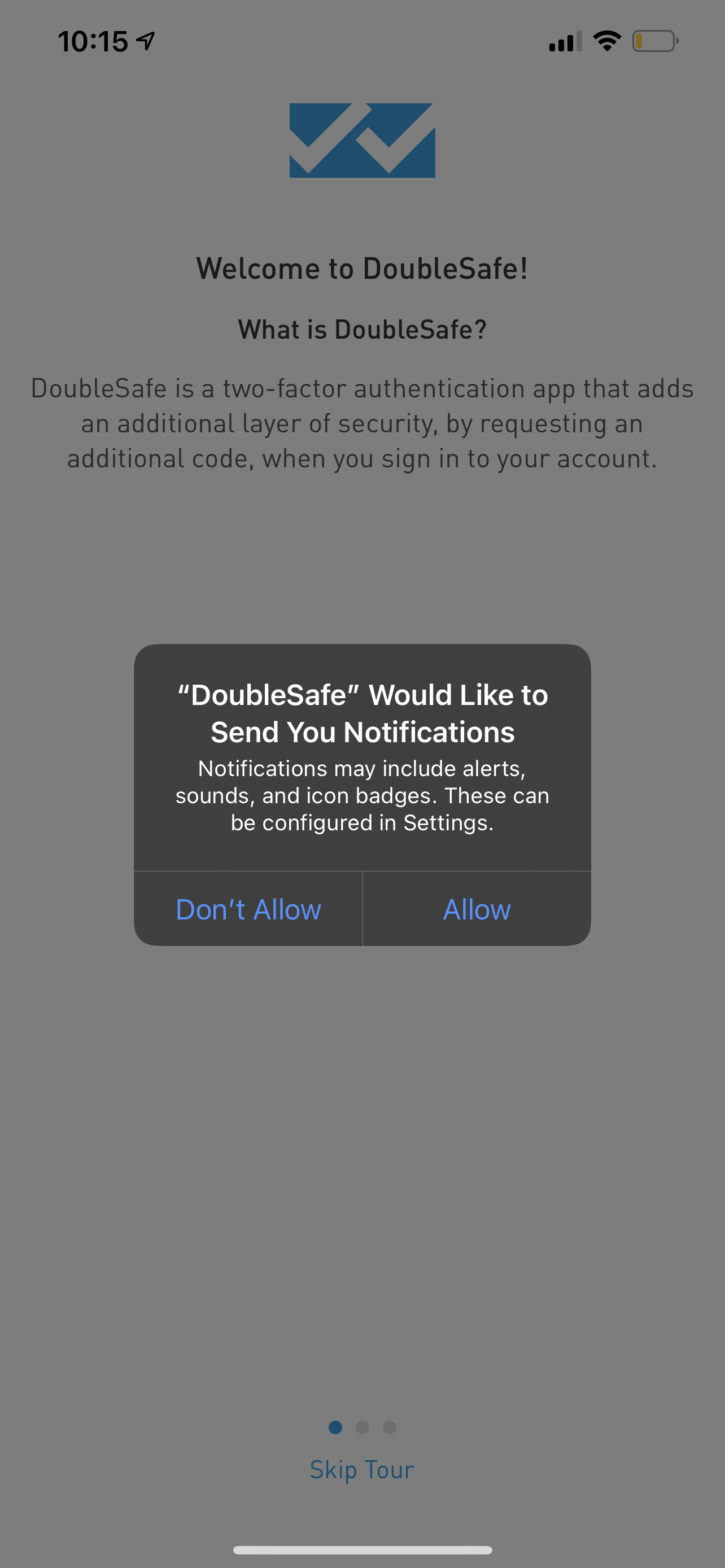
Once you install the App, you will be asked to allow notifications, select Allow
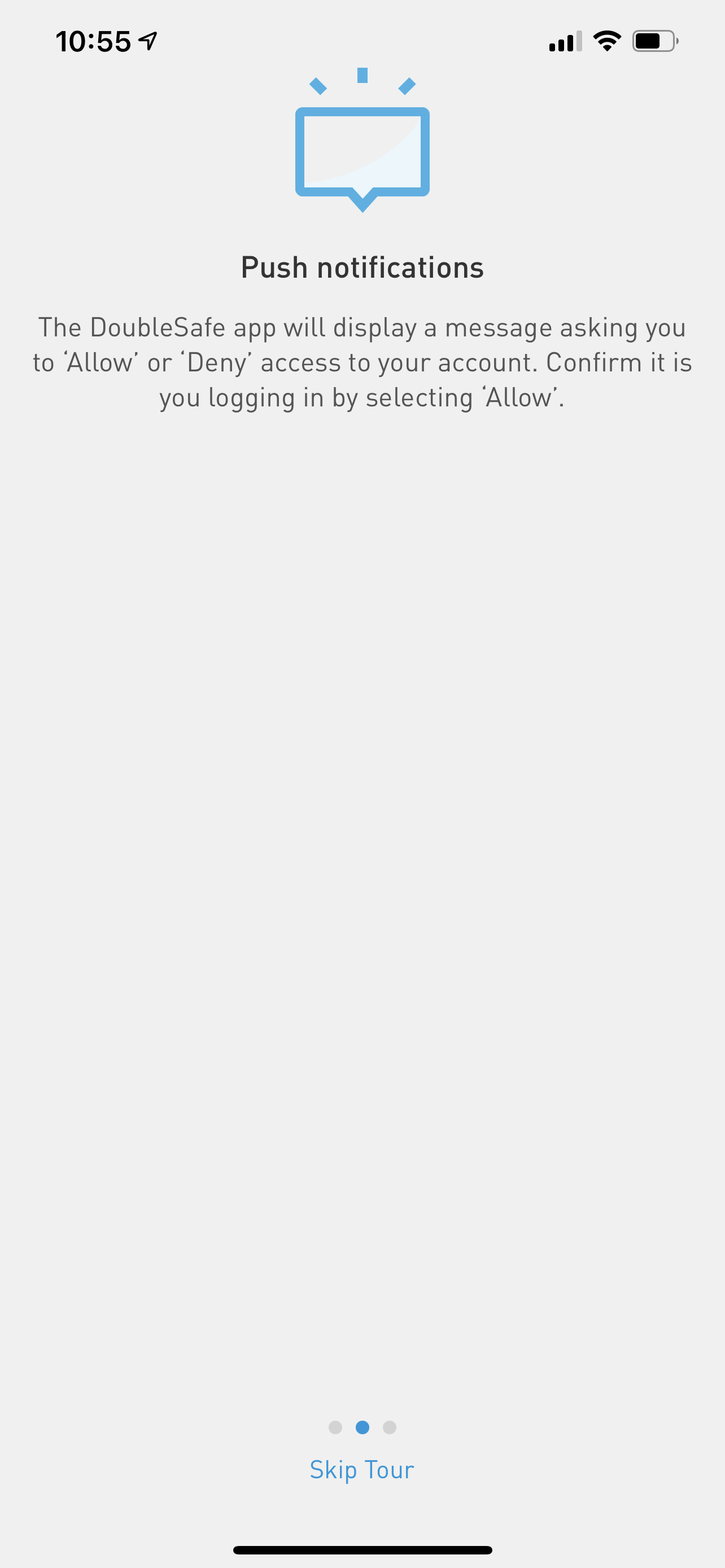
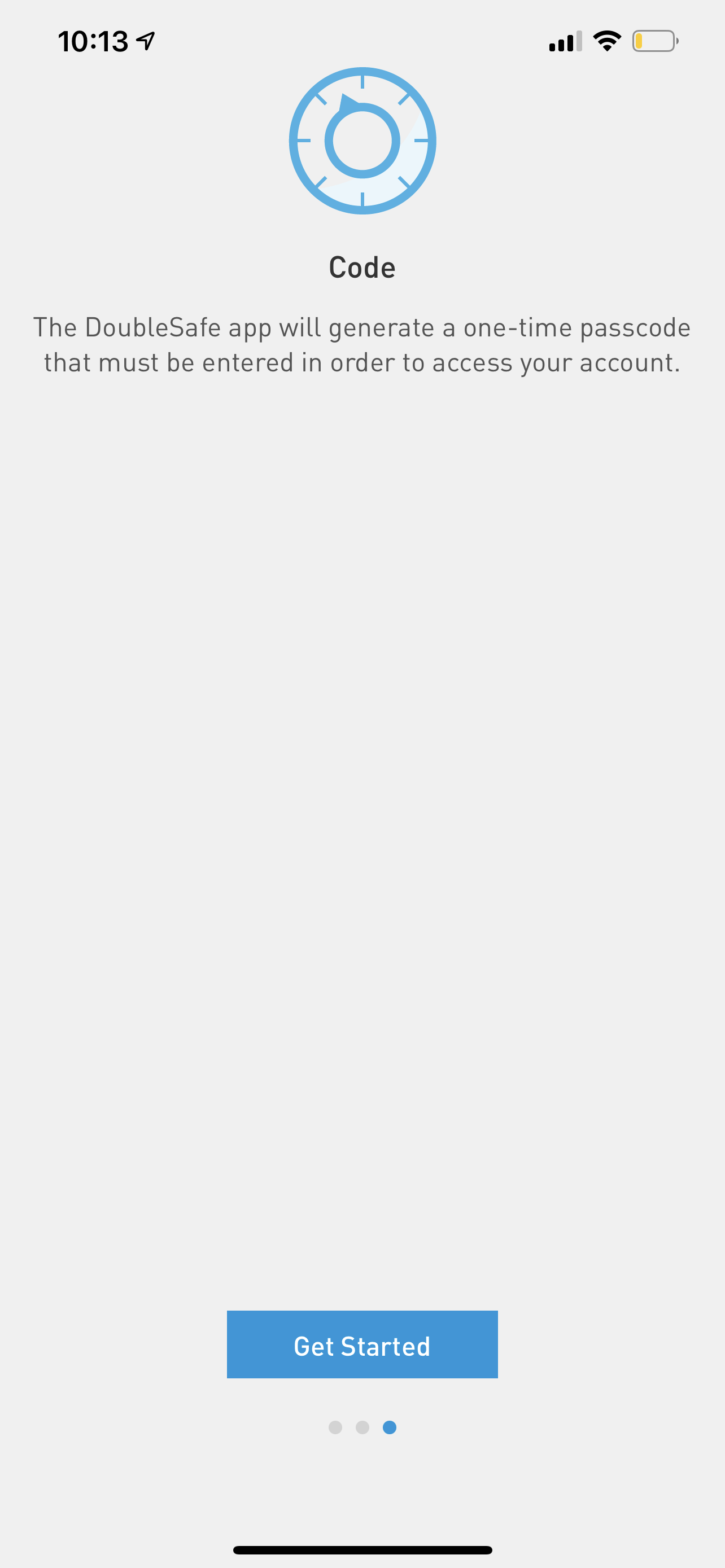
Touch Next to move through the Tour or touch Skip Tour
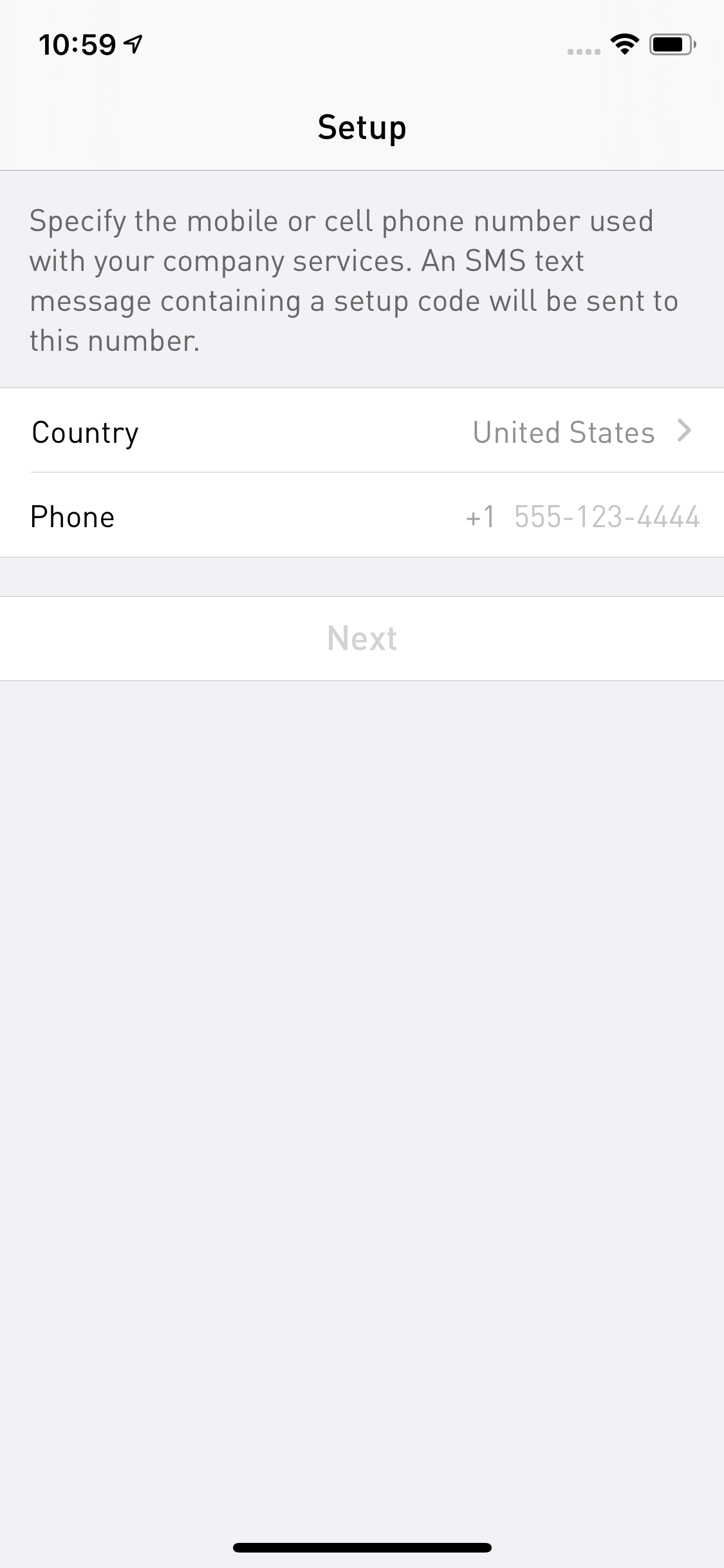
To setup the App, you'll be asked for your mobile device number. Enter it and touch Next
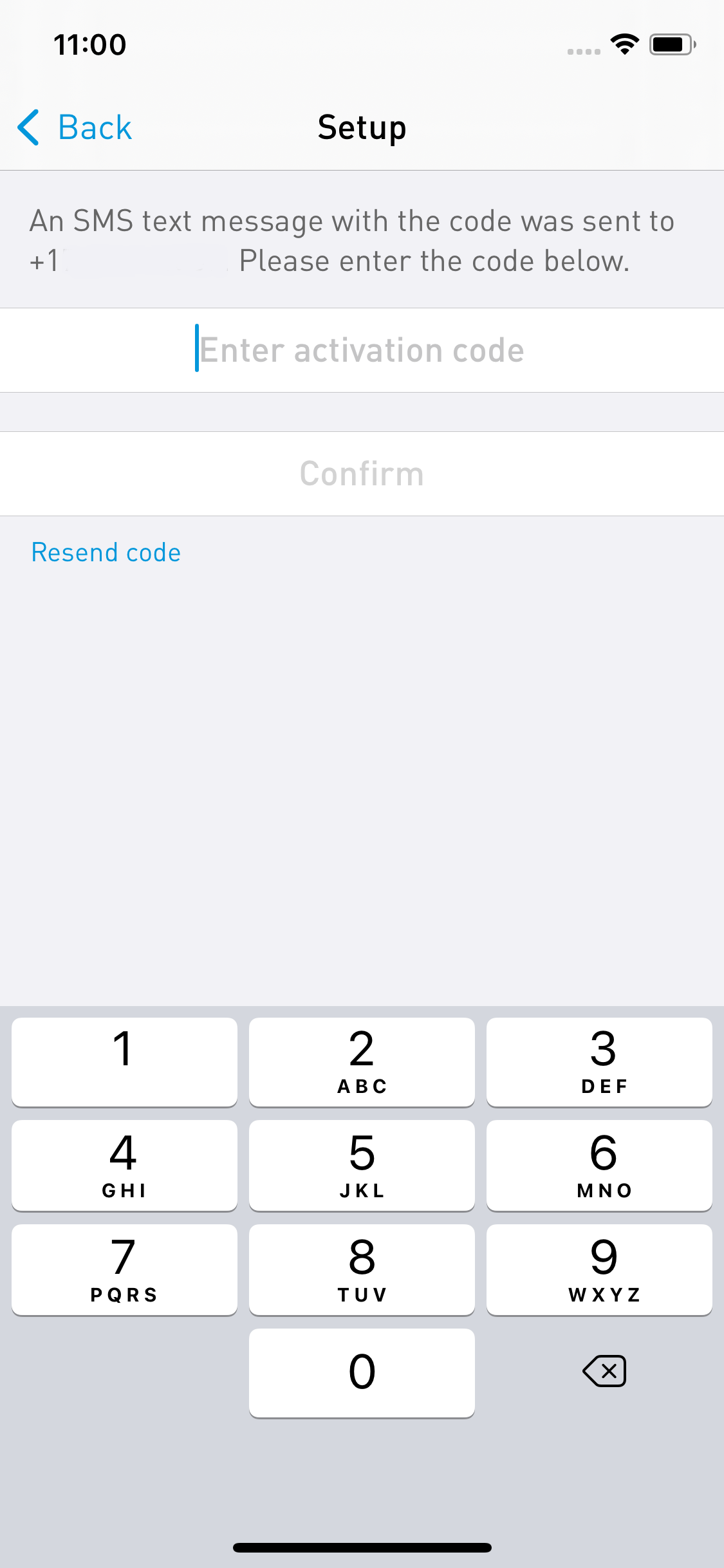
The system will send a SMS text message to your device with a six-digit code. Type the code where you are asked for Activation Code and then touch Confirm
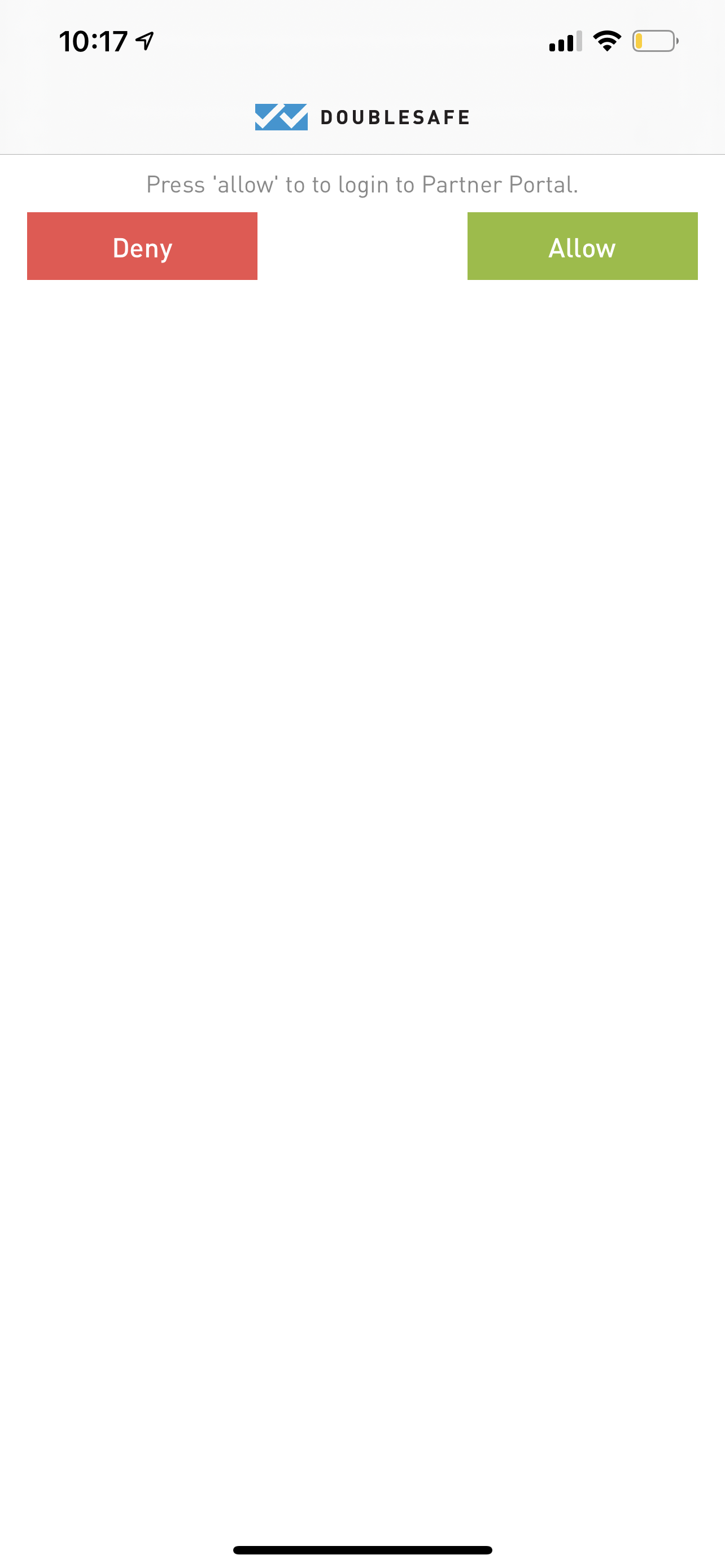
Your App is now setup. Now when you try to login to your account, you will receive a notification on your device. If you are attempting to login, then touch Allow. If you are not in the process of logging in, make sure you touch Deny to prevent any unauthorized access to your account.
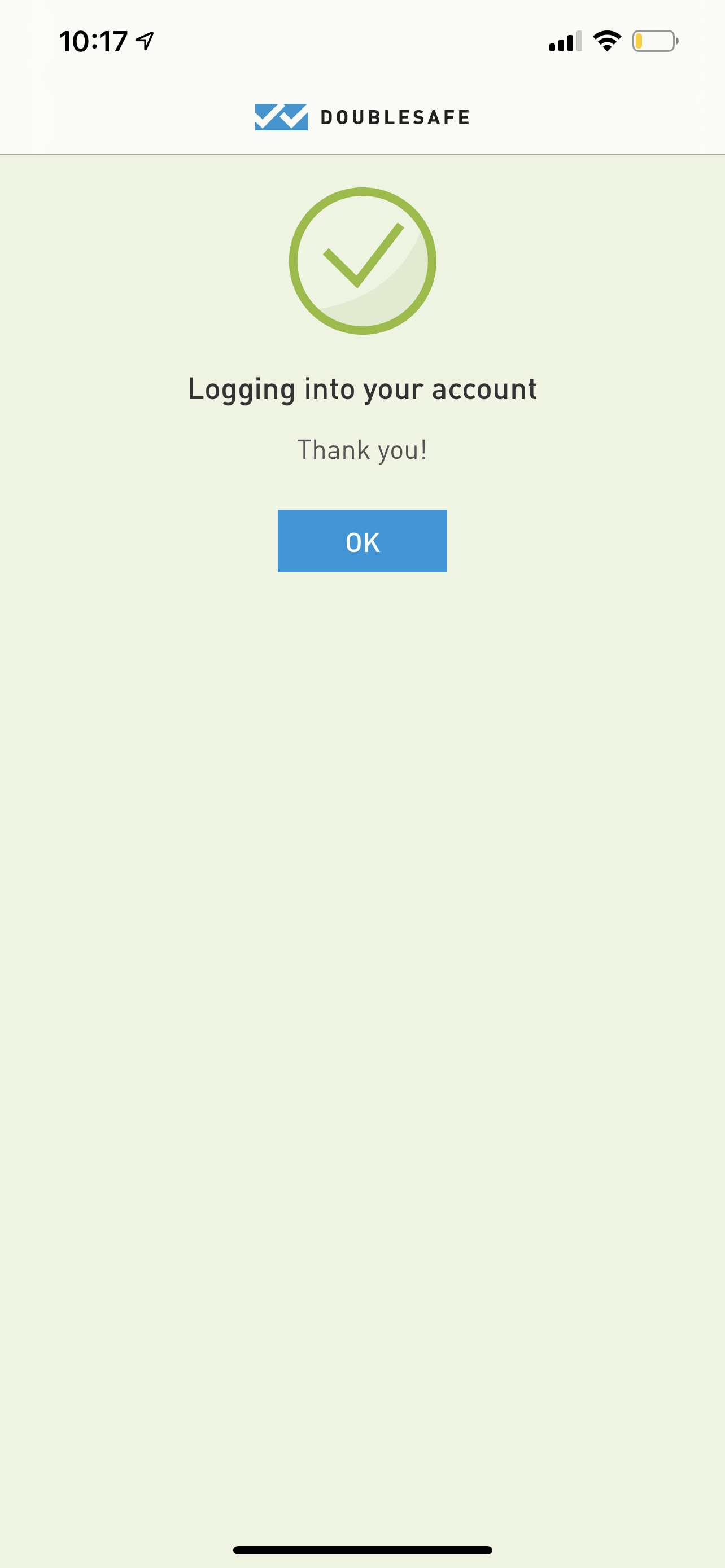
If successful, you'll see this screen. Just tap OK to dismiss the screen.

Comments
0 comments
Please sign in to leave a comment.