
Exchange Webmail and Account Settings now require two-factor authentication in order to complete your login. You can use SMS text messages or a voice call, but for maximum security and convenience we recommend a push authentication from the DoubleSafe App you can install on Apple or Android mobile devices.
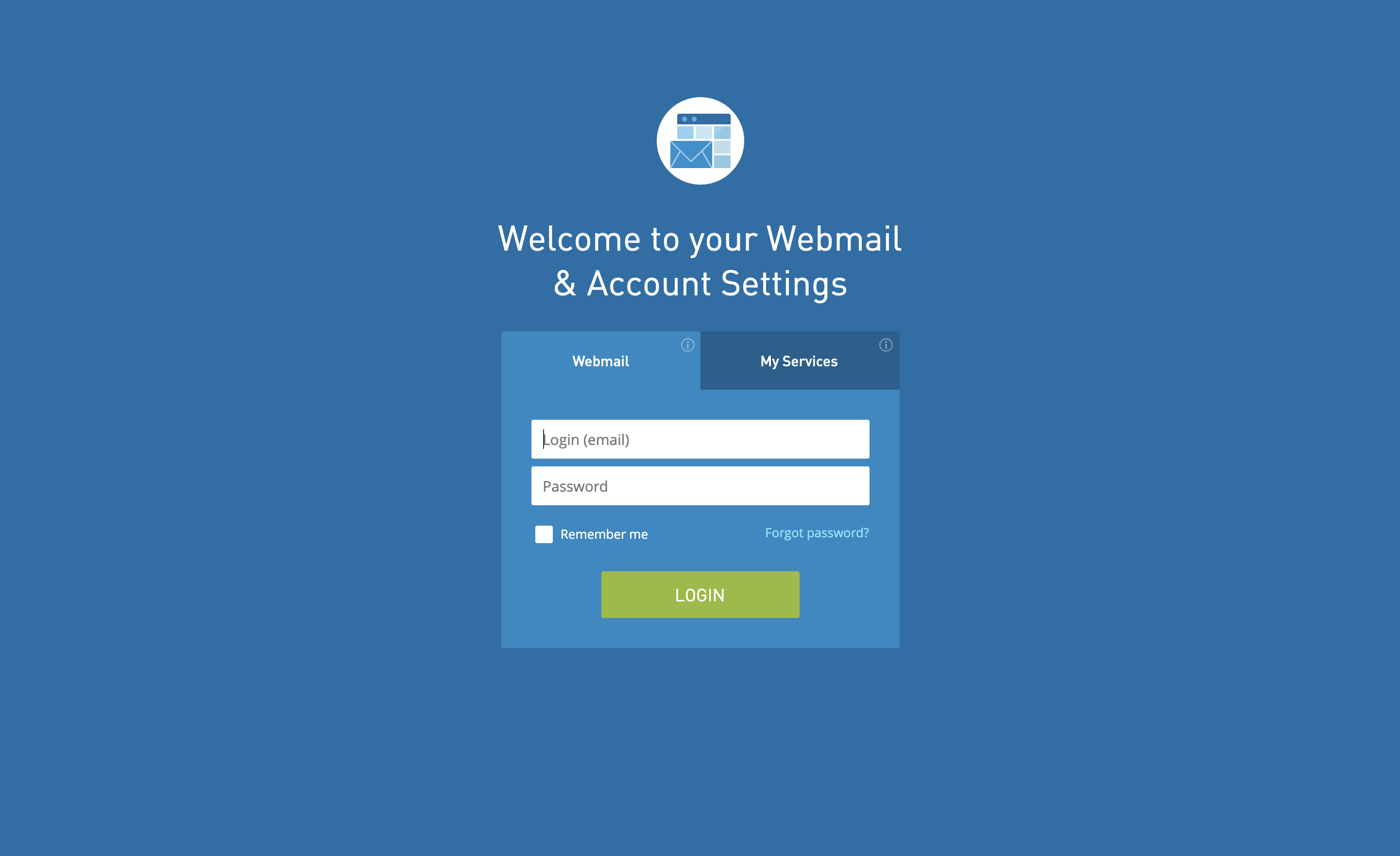
- From the login screen, enter your email. Since your account is now setup for two-factor authentication, you will enter your password on a new screen and click Sign In.
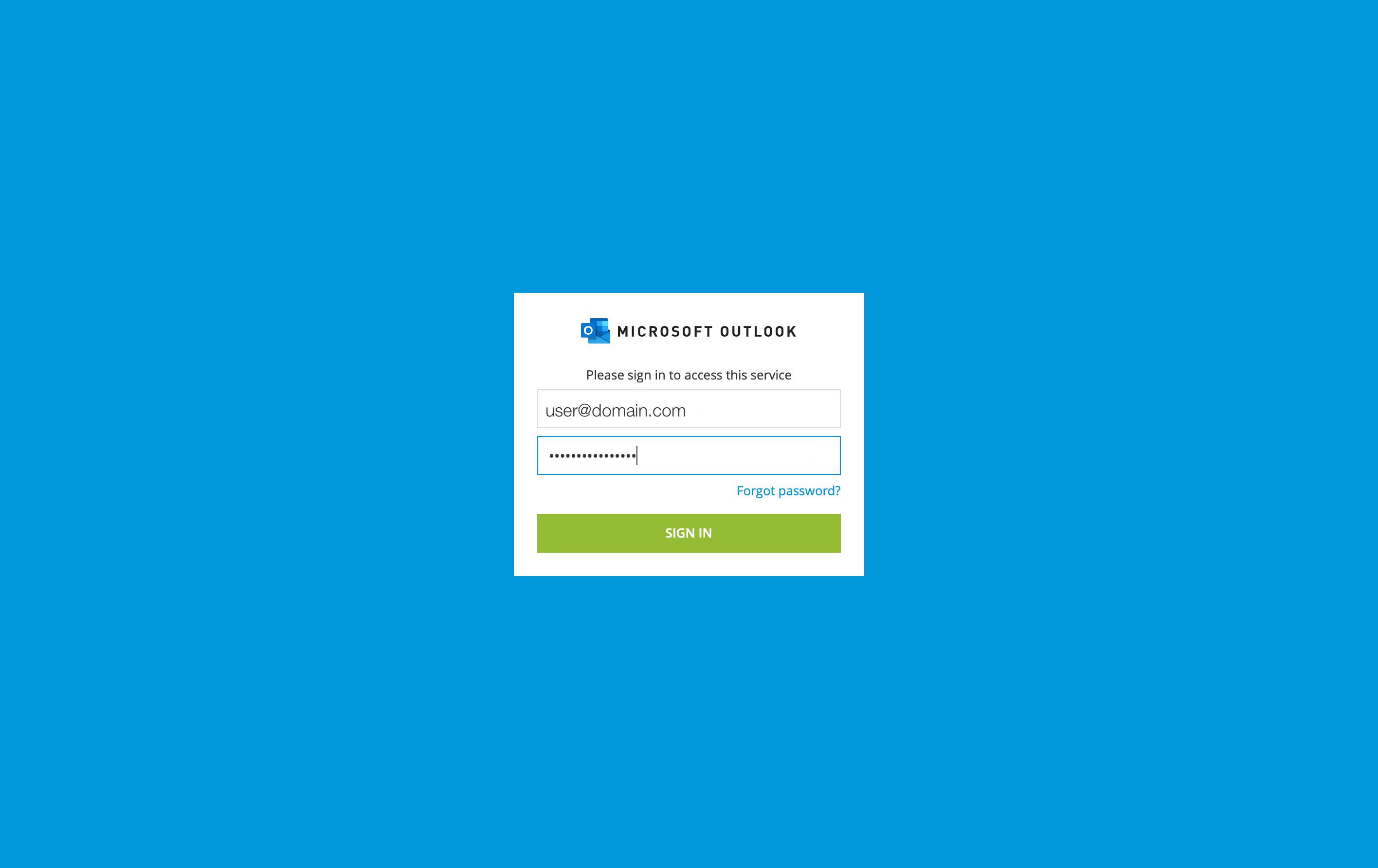
- You'll be presented with a screen that informs you about the new two-factor authentication requirement. Type the phone number of your mobile device into the field and touch Next.
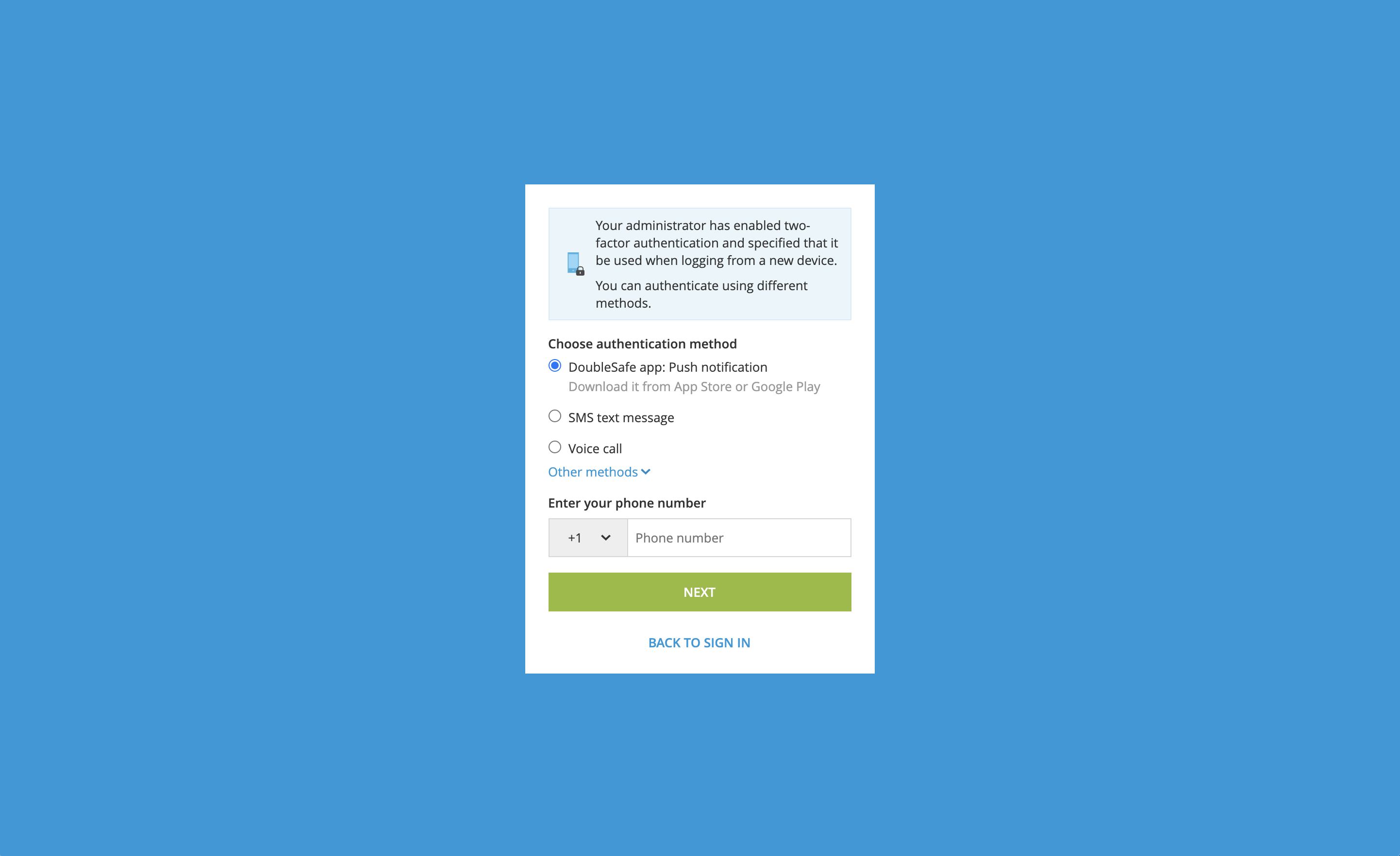
- If you have not previously installed the DoubleSafe App on your mobile device, you will see this screen
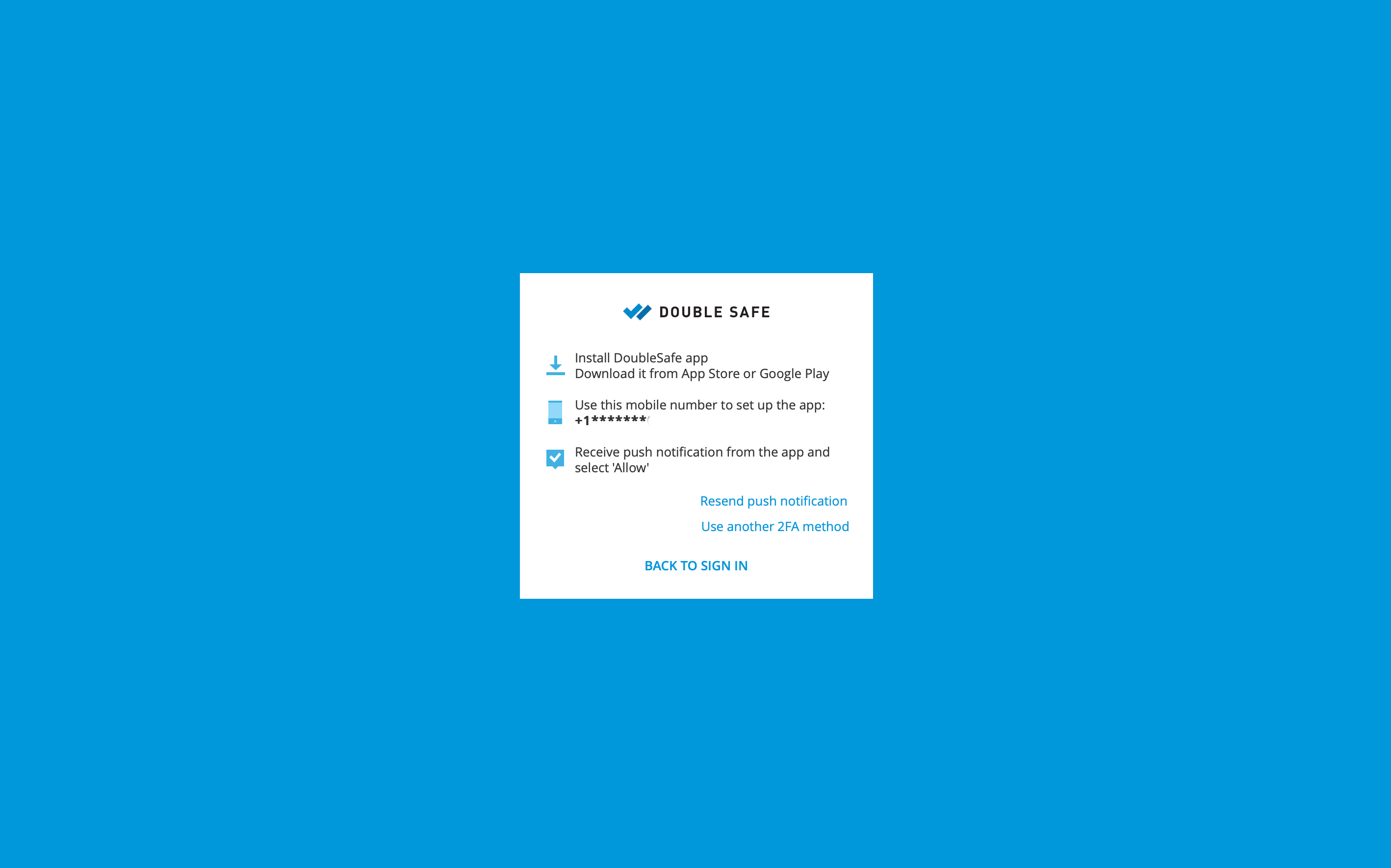
- If you have already installed the DoubleSafe App, an authentication will be pushed to you.
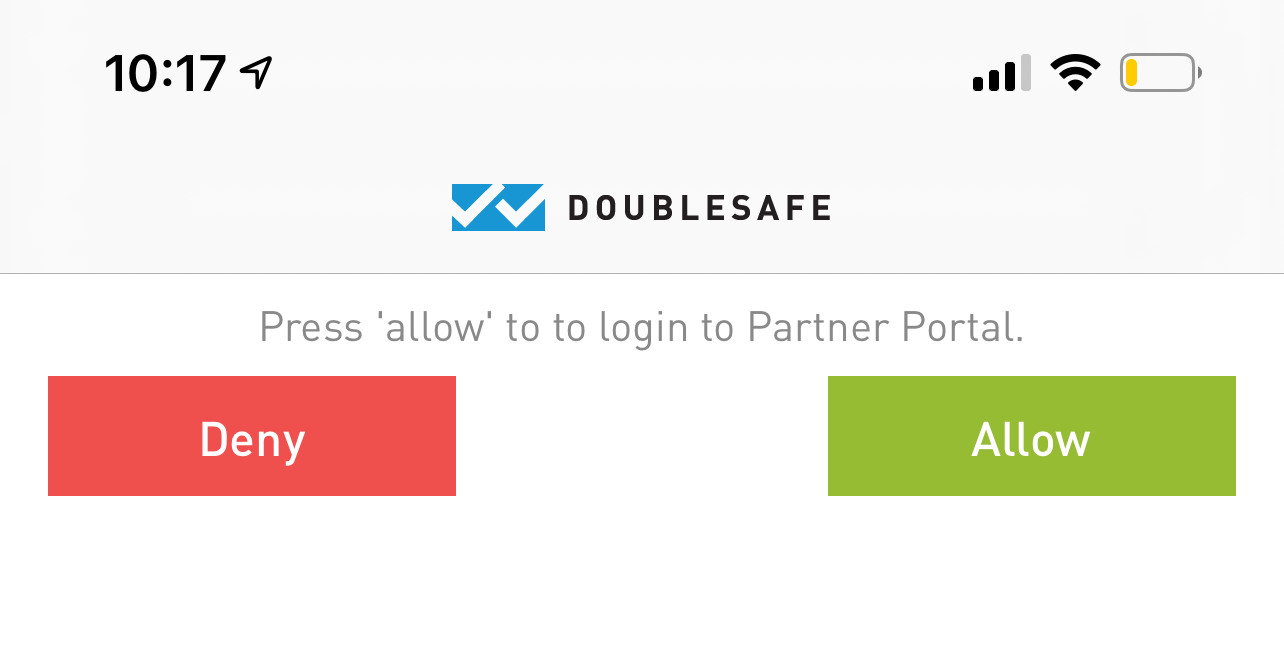
- Simply touch Allow and you will be logged into your account.
Comments
0 comments
Please sign in to leave a comment.